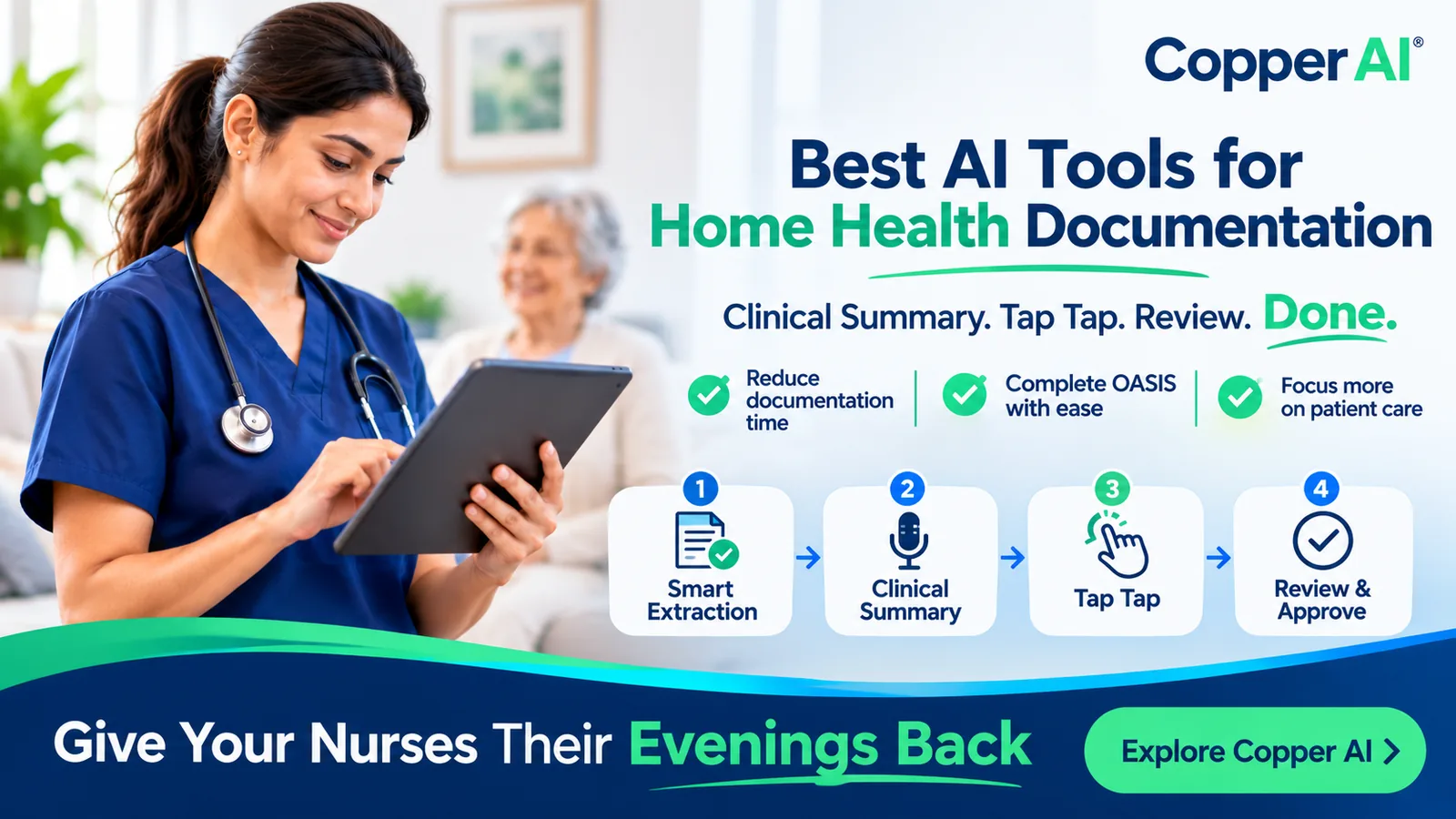
Home health documentation is one of the biggest administrative burdens facing nurses and agencies. After completing patient visits, clinicians still need to document assessments, complete OASIS questions, write visit notes, and ensure every record is ready for quality assurance.
The result? Long evenings spent charting, growing documentation backlogs, delayed billing, and less time for patient care.
AI is changing how home health agencies approach this work. Instead of manually entering every detail into an EMR, nurses can use AI-powered documentation tools to capture clinical information, generate structured documentation, and complete assessments faster.
Copper AI is built specifically for home health documentation. It helps nurses turn clinical summaries into structured OASIS documentation, answer remaining assessment questions with simple taps, and send reviewed records to the agency's EMR.
The goal is straightforward: less time documenting, more time caring.
What Is the Best AI Tool for Home Health Documentation?
The best AI documentation tool for a home health agency should do more than convert speech into text. It should understand home health workflows, support OASIS documentation, extract information from referral packets, identify missing details, and keep clinicians in control of the final record.
Copper AI is designed around these requirements.
Rather than giving nurses another general-purpose AI chatbot, Copper AI supports the documentation process from referral intake through clinical review and EMR submission.
Its documentation workflow includes:
- Referral information extraction: Reads referral documents and extracts relevant patient demographics, diagnoses, medications, and medical history.
- Clinical summary capture: Allows nurses to describe a visit through a short voice recording or other supported inputs.
- AI-assisted OASIS completion: Uses the available clinical information to generate structured OASIS documentation.
- Targeted follow-up questions: Identifies information gaps and presents them as simple questions nurses can answer with taps.
- Human review and approval: Nurses review the generated record, make corrections, and approve it before it is pushed to the EMR.
This approach helps reduce repetitive data entry without removing clinical judgment from the documentation process.
How Does Copper AI Work for Home Health Documentation?
Copper AI follows a four-step workflow: Smart Extraction, Clinical Summary, Tap Tap, and Review & Approve.
1. Smart Extraction: Start With the Referral
Documentation begins before the nurse reaches the patient's home.
When a referral PDF arrives, Copper AI extracts relevant information, including:
- Patient demographics.
- Diagnoses.
- Medication information.
- Previous medical history.
- Other available referral details.
The extracted information is used to create the patient record in the EMR, reducing the need for staff to manually enter information already available in the referral packet.
2. Clinical Summary: Talk Instead of Type
After the patient visit, the nurse records a short clinical summary describing the encounter.
Instead of completing every field manually, the clinician can explain what happened during the visit in their own words. Copper AI processes the narrative and uses the clinical information to populate relevant OASIS sections.
The platform supports different ways of capturing information:
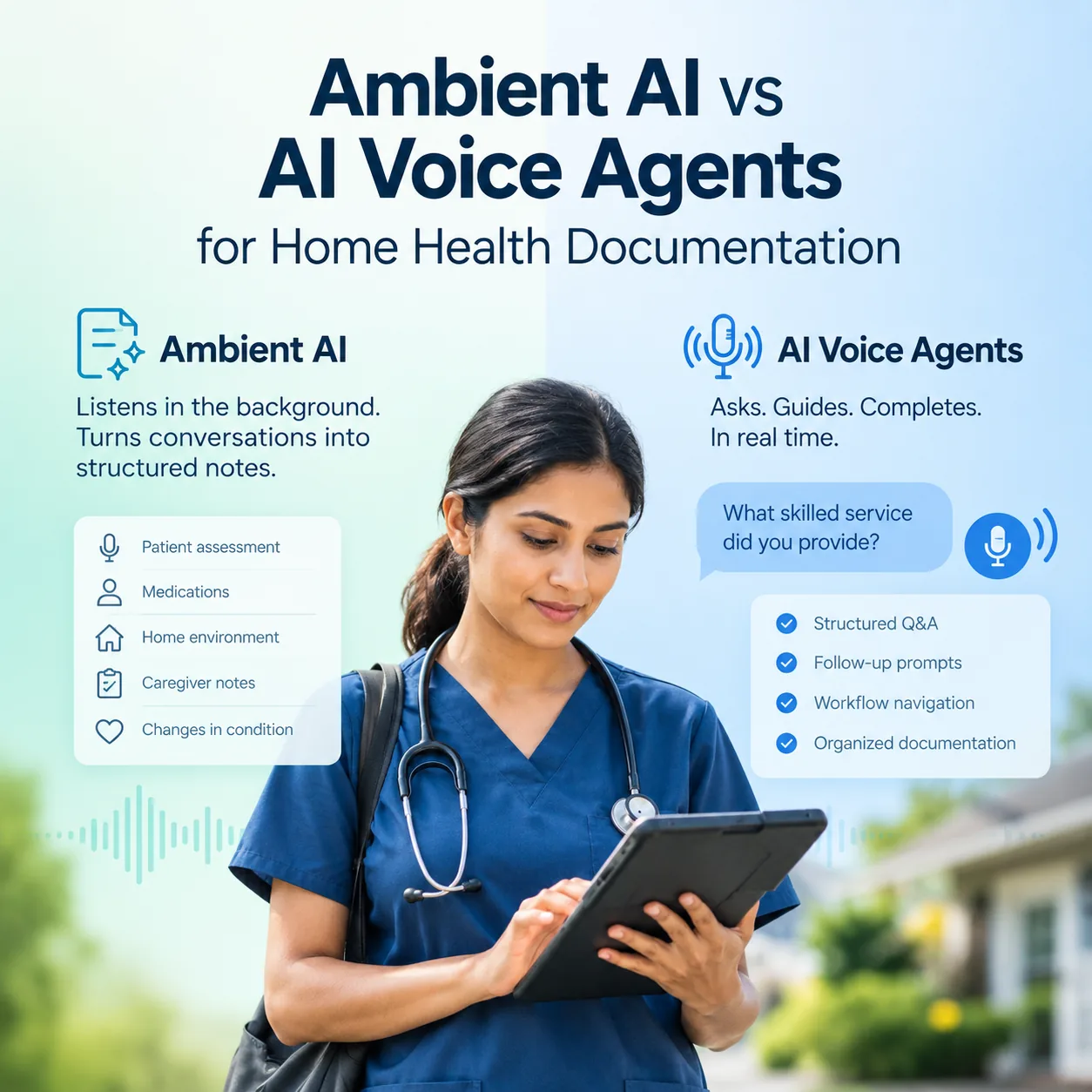
- Voice: Record a clinical summary after the visit.
- Ambient documentation: Capture the visit conversation on the device with patient consent.
- Photo: Provide clinical information through supported photo inputs.
- Tap-based interaction: Answer targeted questions without typing lengthy responses.
One commonly used workflow is a 5–10-minute clinical summary recorded after the visit.
3. Tap Tap: Answer Only What Is Missing
A major challenge with OASIS documentation is the amount of information nurses need to review and enter.
Copper AI generates an initial documentation draft using the available clinical information. If certain details are missing or require confirmation, the platform presents targeted questions on the iPad.
For example, questions related to bladder, bowel, dialysis, or other assessment areas can appear as simple tap-based options.
The nurse answers the questions with a tap instead of navigating through multiple pages or typing lengthy responses.
This makes the process more focused: nurses spend their time addressing information gaps rather than re-entering details already captured.
4. Review & Approve: The Nurse Stays in Control
AI-generated clinical documentation must be reviewed before it becomes part of the patient's record.
Copper AI includes a human-in-the-loop review step. The nurse checks the generated documentation, verifies its accuracy, makes any necessary corrections, and approves the final record.
Only after the nurse signs off does the documentation move to the EMR.
AI assists with documentation. The clinician remains responsible for the final approval.
This is especially important in home health, where accurate clinical records and appropriate documentation are essential.
What Does Copper AI Automate in Home Health Documentation?
Copper AI supports multiple documentation workflows across the patient episode.
OASIS Start of Care (SOC)
Start of Care documentation can involve extensive assessment and data-entry work. Copper AI uses referral information and the nurse's clinical summary to generate an OASIS SOC draft, followed by targeted questions and clinician review.
The demonstrated workflow completed a Start of Care in 8 minutes and 41 seconds, from referral processing through the review and EMR push stages.
Resumption of Care (ROC)
Copper AI supports the same documentation pipeline for Resumption of Care assessments. The system uses available clinical information to prepare the documentation for nurse review and approval.
Recertification
For recertification, relevant information from the previous episode can be used to prepare the OASIS documentation for review, reducing repetitive work.
Skilled Nursing Visit Notes
Copper AI also supports skilled nursing visit documentation. Nurses can provide a short clinical summary, which the platform uses to generate a structured visit note for review.
These workflows help agencies address documentation across the episode rather than relying on separate tools for every chart type.
How Much Time Can AI Save on Home Health Documentation?
The time required for documentation varies depending on the visit, assessment complexity, available patient information, and agency workflow.
However, reducing repetitive documentation can make a meaningful difference to nurses and agency operations.
In the Copper AI demonstration, the Start of Care workflow was completed in 8 minutes and 41 seconds. The platform's product information also reports savings of approximately 15–25 minutes per visit note.
For nurses, this can mean less time spent finishing documentation late at night.
For agencies, faster documentation can help reduce backlogs, support more timely quality assurance, and move completed records toward billing sooner.
The benefit is not simply fewer minutes spent typing. It is a more streamlined process from referral information to reviewed clinical documentation.
Can Copper AI Work With Existing Home Health EMRs?
Agencies should not have to replace their entire EMR system just to improve documentation.
Copper AI currently supports direct documentation push to Kinnser (WellSky). Other EMR integrations, including Homecare Homebase and Axxess, can be discussed based on agency requirements.
For agencies already using Kinnser, the workflow connects referral extraction, AI-assisted documentation, nurse approval, and EMR submission.
This allows agencies to explore documentation automation while continuing to work within their existing system.
Is Copper AI Secure for Home Health Patient Documentation?
Clinical documentation involves protected health information, so security and privacy must be considered when introducing AI into healthcare workflows.
Copper AI's stated security and compliance features include:
- HIPAA and BAA: Business Associate Agreements and PHI handling built into deployments.
- Private LLM environment: Models run in a private environment rather than sending patient information to public ChatGPT.
- SOC 2 Type 2: Audited controls covering security, availability, and confidentiality.
- Human-in-the-loop review: Every record is reviewed and approved by the nurse before it is pushed to the EMR.
These safeguards are designed to support responsible AI use in clinical documentation while maintaining clinician oversight.
What Makes Copper AI Different From a General AI Scribe?
A general-purpose AI scribe primarily focuses on capturing conversations and converting them into text or summaries.
Home health documentation requires more. Nurses must complete structured assessments, address OASIS requirements, review clinical details, and ensure records are ready for agency QA and billing workflows.
Copper AI is designed specifically around these home health requirements.
| General AI scribe | Copper AI |
|---|---|
| Primarily captures speech and generates text | Supports structured home health documentation |
| Often produces general visit summaries | Generates AI-assisted OASIS documentation |
| May require substantial manual data entry afterward | Uses targeted tap-based questions to address information gaps |
| May operate separately from the agency's EMR | Supports direct Kinnser (WellSky) push |
| May not be designed around home health assessments | Supports SOC, ROC, recertification, and skilled nursing visit notes |
| Review processes vary by tool | Includes clinician review and approval before EMR push |
The distinction is important: home health agencies need documentation support that fits the actual work nurses perform, not simply another way to dictate notes.
What Does AI-Powered Documentation Mean for Home Health Nurses?
Nurses enter the profession to care for patients, not to spend their evenings completing paperwork.
When documentation extends beyond working hours, it affects personal time, job satisfaction, and the ability to focus on patient care.
Copper AI is designed to reduce that burden by allowing nurses to describe the visit naturally, review an AI-generated draft, answer only the remaining questions, and approve the final record.
As one home health nurse from the Avatar Home Health pilot described the change:
I used to finish my last SOC at 10:30 at night. With Copper, I'm done before the kids are in bed — and the OASIS is cleaner than what I would have written tired.
— Home health nurse, Avatar Home Health pilot
The purpose of documentation automation is not to replace the nurse's expertise. It is to reduce the administrative work surrounding it.
Give Your Nurses Their Evenings Back With Copper AI
Home health documentation does not have to take hours after every visit.
With Copper AI, nurses can turn a short clinical summary into structured OASIS documentation, answer targeted questions with simple taps, and review the completed record before approving it for the EMR.
For agencies, this creates an opportunity to reduce documentation backlogs, support more efficient QA workflows, and move completed records toward billing sooner.
Clinical Summary. Tap Tap. Review. Done.
Book a demo to see how Copper AI works with your agency's documentation workflow.