
Best Apps for Home Health Nurses in 2026
Home health nurses juggle navigation, documentation, communication, medications, and OASIS every day. These are the best apps for home health nurses in 2026, from AI-powered documentation and OASIS voice dictation to navigation, scheduling, and secure communication tools.
Key Takeaways
- The best home health nursing apps remove administrative friction rather than replace clinical expertise.
- AI-powered documentation platforms like Copper Digital reduce charting time and support OASIS and ICD-10 accuracy, with a clinician approving every note.
- Google Maps keeps clinicians on schedule by optimizing routes between patient homes.
- Calendar, secure communication, and medication reference apps streamline daily workflows and reduce missed appointments.
- Look for apps that reduce documentation time, support compliance, fit existing workflows, are easy to use, and protect patient information.
- AI should support clinicians, not replace them: clinical judgment and patient assessment remain with licensed professionals.
💡 Quick Answer: The best apps for home health nurses in 2026 combine AI-powered documentation, navigation, scheduling, secure communication, and medication reference. For AI-assisted clinical documentation and OASIS, Copper Digital is built specifically for home health; Google Maps handles navigation; calendar, messaging, and drug-reference apps round out the daily workflow. The best tools remove administrative friction so clinicians spend less time charting and more time with patients.
Home health nurses spend far more time than just caring for patients. A typical day includes navigating between homes, documenting visits, communicating with the office, reviewing medications, completing OASIS assessments, and staying compliant with Medicare requirements.
The right mobile apps can make those responsibilities significantly easier.
From AI-powered documentation to navigation and communication, today's technology enables clinicians to spend less time on administrative tasks and more time with patients.
In this guide, we'll explore some of the most useful apps for home health nurses in 2026, starting with one that's specifically designed for home health documentation.
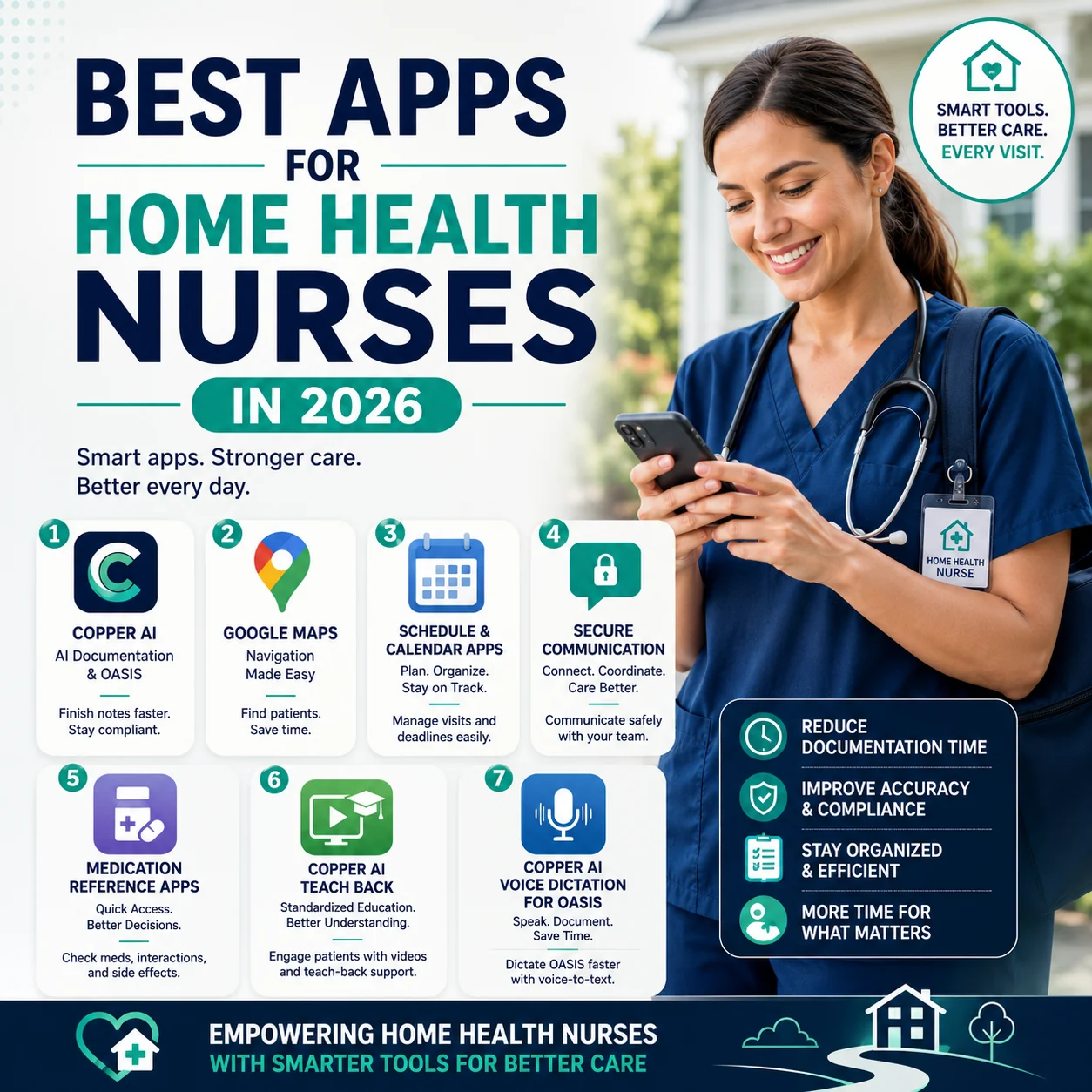
Seven app categories that help home health nurses reduce documentation time, improve accuracy and compliance, and spend more time on patient care.
Why Home Health Nurses Need the Right Apps
Unlike hospital-based clinicians, home health nurses work independently across multiple patient locations throughout the day.
The right apps can help them:
- Complete documentation faster
- Reduce after-hours charting
- Navigate efficiently between visits
- Improve communication with the office
- Stay organized throughout the day
- Support compliance with documentation requirements
- Reduce administrative burden
Rather than replacing clinical expertise, these tools help streamline repetitive tasks so clinicians can focus on delivering quality patient care.
1. Best AI Documentation App for Home Health
Best for: AI-assisted clinical documentation, OASIS completion, and reducing late visit notes.
One of the biggest operational challenges facing home health agencies is late documentation.
A single incomplete visit note can delay quality assurance reviews, hold up physician orders, postpone billing, and increase compliance risks. For clinicians, documentation often extends into evenings and weekends, contributing to burnout.
Copper Digital was built specifically to solve this challenge.
Unlike traditional AI scribes that record conversations during patient visits, Copper Digital uses a different workflow designed for home health.
How Copper Digital Works
After completing the patient visit, the clinician receives a brief phone call from Joy, Copper Digital's documentation agent.
Rather than asking clinicians to start from scratch, Joy already understands the patient's chart, including medications, prior documentation, diagnoses, wounds, and previous assessments.
The conversation focuses only on information that is still missing. In just a few minutes, Joy gathers the remaining clinical details needed to complete documentation.
Copper Digital then:
- Generates structured visit notes
- Assists with OASIS documentation
- Suggests ICD-10 coding where appropriate
- Performs hundreds of automated documentation checks
- Flags missing information
- Prepares documentation for clinician review
Every note is reviewed before submission, ensuring clinicians remain in control of the final documentation.
It saves me… less work. I just gotta fill in what's missed and that's it. I really like it.
— Nurse, Avatar Home Health
Why Home Health Agencies Choose Copper Digital
Copper Digital was built around home health workflows, not hospital documentation. Key capabilities include:
- AI-powered visit documentation
- Post-visit voice workflow instead of in-home recording
- OASIS documentation assistance
- Intelligent documentation gap detection
- ICD-10 coding support
- Human-in-the-loop review
- Automated compliance checks
- Integration with WellSky (Kinnser)
- Learns agency documentation preferences over time
The platform also supports Start of Care (SOC), Resumption of Care (ROC), recertifications, skilled nursing visit notes, and discharge documentation.
For agencies struggling with documentation backlogs, Copper Digital helps clinicians finish notes the same day rather than days or weeks later.
Best Features
- AI documentation agent (Joy)
- No ambient recording during patient visits
- Four-to-five-minute post-visit documentation workflow
- Automated documentation quality checks
- Human verification before EMR submission
- AI-assisted ICD-10 support
- OASIS workflow optimization
- Built specifically for home health
Ideal For
- Home health agencies
- Skilled nursing clinicians
- Field nurses
- Clinical managers
- Agencies looking to reduce documentation delays
🚀 1,200+ visits documented and completed. Live today. See how Copper Digital's AI Documentation Agent works in the field, then explore AI tools for home health nurses or book a demo.
2. Google Maps — Best Navigation App
Home health nurses spend a significant portion of their day traveling between patient homes.
Google Maps helps clinicians:
- Optimize driving routes
- Avoid traffic delays
- Find patient locations more easily
- Estimate arrival times
- Share locations when necessary
Reliable navigation helps clinicians stay on schedule and maximize patient-facing time throughout the day.
3. Calendar & Task Management Apps
Managing multiple visits, follow-ups, meetings, and documentation deadlines requires careful organization.
Digital calendar and task management apps help nurses:
- Track daily visits
- Schedule reminders
- Manage recurring tasks
- Plan documentation deadlines
- Organize personal and professional schedules
Staying organized reduces missed appointments and improves workflow efficiency.
4. Secure Communication Apps
Home health clinicians regularly communicate with clinical managers, physicians, therapists, office staff, and care coordinators.
Secure messaging and collaboration tools allow teams to exchange information more efficiently while supporting patient privacy and organizational workflows.
5. Medication Reference Apps
Medication management is an important part of many home health visits.
Medication reference apps help clinicians quickly review:
- Drug information
- Dosage recommendations
- Potential interactions
- Side effects
- Administration guidance
These resources support informed clinical decision-making during patient visits.
6. Copper Digital Teach Back — Best for Patient Education
Best for: Delivering consistent patient education and reinforcing the teach-back method during home health visits.
Patient education is a core part of every skilled home health visit, but time constraints and varying comfort levels with teaching can make it difficult to provide consistent education across every patient encounter.
Copper Digital's Teach Back feature helps clinicians deliver standardized, condition-specific education while encouraging patients to demonstrate their understanding before the visit ends.
Instead of relying solely on printed handouts or verbal explanations, clinicians can use short, easy-to-understand educational videos during the visit to reinforce key concepts. Topics can include:
- Medication management
- Diabetes care
- Congestive heart failure (CHF)
- COPD management
- Fall prevention
- Wound care
- Infection prevention
- Diet and nutrition
- Home safety
- Disease-specific self-management
After watching the educational content, clinicians can use the teach-back method by asking patients to explain the information in their own words. This helps identify misunderstandings, reinforce learning, and improve patient engagement. For agencies, it also promotes greater consistency in patient education across clinicians and visits.
Best Features
- AI-assisted patient education
- Condition-specific teaching videos
- Supports the teach-back method
- Reinforces skilled nursing interventions
- Consistent education across clinicians
- Easy to use during home visits
- Helps improve patient understanding and engagement
7. Voice Dictation — Best for OASIS Documentation
Best for: Completing OASIS assessments faster using AI-powered voice dictation.
OASIS documentation is one of the most detailed and time-consuming responsibilities for home health clinicians. Completing assessments manually often means switching between screens, typing extensive notes, and spending additional time after the visit finalizing documentation.
Copper Digital's Voice Dictation for OASIS simplifies this process by allowing clinicians to speak naturally instead of typing every response.
As clinicians dictate their findings, Copper Digital converts speech into structured documentation, helping populate relevant OASIS sections while organizing clinical information into the appropriate format. Rather than replacing clinical decision-making, the feature reduces the administrative effort required to document comprehensive assessments.
Voice dictation is especially valuable during Start of Care (SOC) assessments, Resumption of Care (ROC), recertification visits, comprehensive follow-up assessments, and complex patient evaluations.
By reducing manual typing, clinicians can focus more on patient interaction while completing documentation more efficiently.
What to Look for in a Home Health Nursing App
Before adopting any technology, consider whether it helps clinicians:
- Reduce documentation time — the app should eliminate repetitive tasks rather than add new ones.
- Support compliance — documentation tools should encourage complete, accurate records that align with agency and regulatory requirements.
- Fit existing workflows — technology should integrate naturally into the clinician's daily routine rather than disrupt it.
- Be easy to use — simple, intuitive interfaces improve adoption and reduce training time.
- Prioritize security — any app handling patient information should support healthcare privacy and security requirements.
How AI Is Changing Home Health Nursing
Artificial intelligence is transforming documentation by reducing manual data entry and helping clinicians complete records more efficiently.
Modern AI-powered tools can assist with:
- Documentation generation
- OASIS support
- ICD-10 coding assistance
- Documentation quality checks
- Workflow automation
- Administrative task reduction
Importantly, AI should support clinicians, not replace them. Clinical judgment, patient assessment, and decision-making remain the responsibility of licensed healthcare professionals. For a closer look at the tradeoffs, see our comparison of AI vs. manual charting in home health.
🚀 Ready to cut documentation time? Copper Digital's AI Documentation Agent, Teach Back, and Voice Dictation for OASIS are built specifically for home health field clinicians, with a nurse reviewing and approving every note. Explore AI tools for home health nurses or book a demo.
🎓 Go deeper with peers. Join our Home Health Mastermind Skool community for training on AI documentation, OASIS accuracy, ICD-10 coding, and reducing charting burden.
Home Health Documentation Playbook
The complete guide to OASIS-E, Medicare compliance, PDGM, and AI-assisted documentation. Learn how top agencies reduce documentation time without sacrificing compliance.
Bottom Line
The best apps for home health nurses in 2026 remove administrative friction so clinicians can focus on care: AI-powered documentation tools like Copper Digital cut charting time and support OASIS and ICD-10 accuracy, Google Maps optimizes travel between visits, and calendar, secure communication, and medication reference apps keep the day organized. Choose technology built for field clinicians, and keep a nurse in control of the final documentation.

Arvind Sarin is the founder of Copper Digital. For the past year he has spent three days a week inside a 500+ census Texas home health agency, building AI documentation that finishes OASIS and visit notes the same day, with a nurse reviewing and approving every note. He writes about home health documentation, OASIS, Medicare compliance, and applying AI responsibly in clinical workflows.
Frequently asked
Frequently asked questions
The best app depends on the task. For AI-assisted documentation and OASIS workflows, Copper Digital is designed specifically for home health agencies. For navigation, Google Maps remains one of the most widely used tools for managing travel between patient visits.
Join the conversation
Leave a comment
Related reading
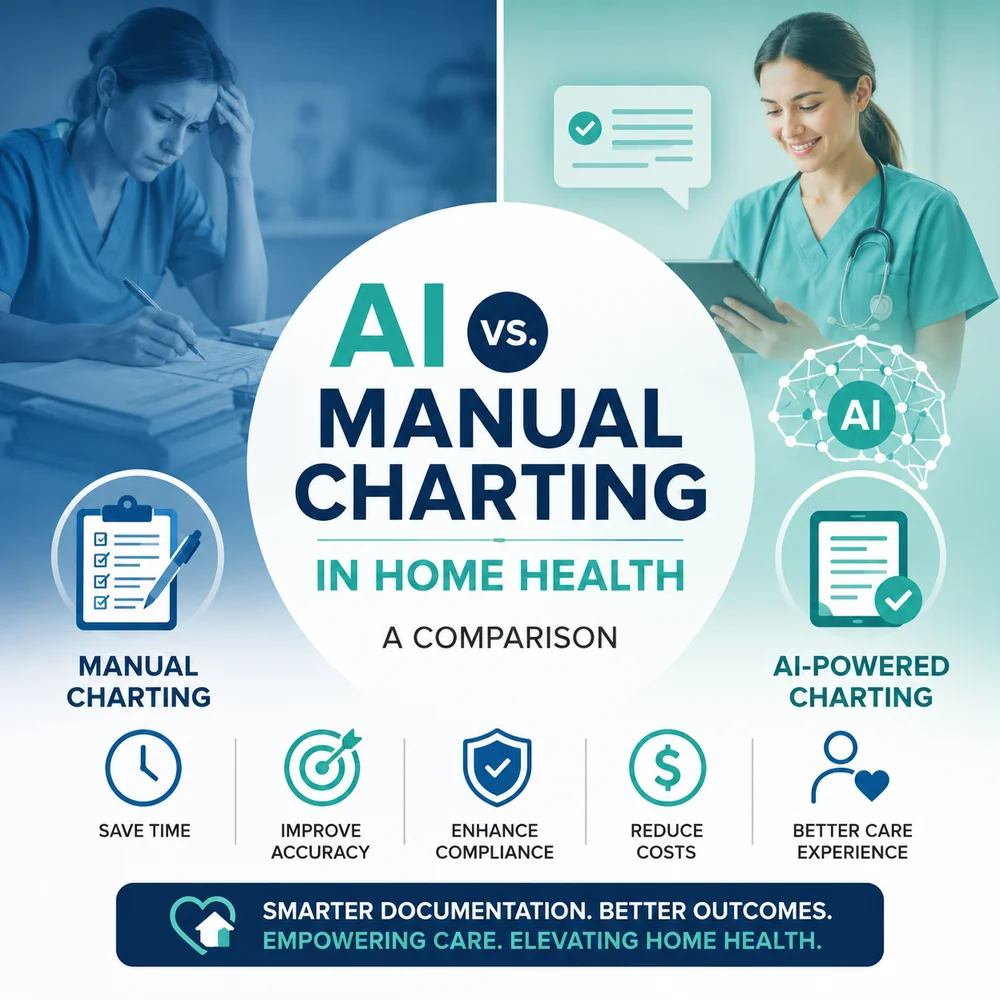
AI vs. Manual Charting in Home Health: An Honest Comparison
Manual charting has been the home health standard for decades, but AI-assisted documentation is changing how notes get done. This honest comparison weighs both across time, accuracy, compliance, cost, clinician experience, and patient care, and explains why the best workflows combine AI efficiency with clinician judgment.
Home Health Documentation Workflow: What Actually Slows Nurses Down?
Home health documentation is one of the biggest administrative burdens clinicians carry, but it is rarely slow for the reasons people assume. The problem usually isnt the nurse, its the workflow surrounding the note: medication reconciliation, OASIS, duplicate entry across disconnected systems, interruptions, and after-hours charting. Here is what actually slows nurses down and how to fix it.
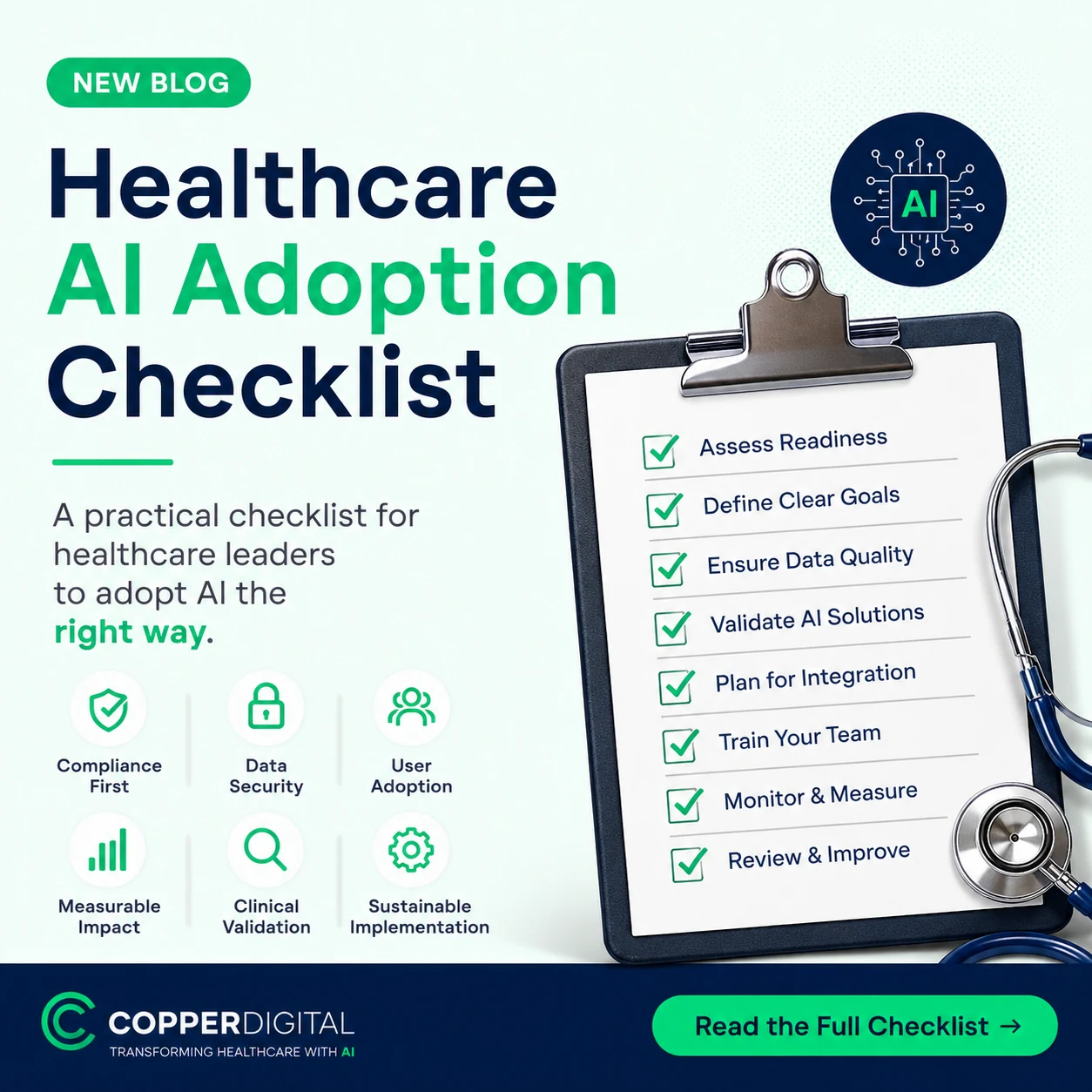
Healthcare AI Adoption Checklist: A Practical Guide for Home Health Agencies
Buying AI software is the easy part, implementing it well is where agencies succeed or fail. This step-by-step healthcare AI adoption checklist covers defining the problem, involving clinicians, verifying security, EMR integration, training, piloting, and measuring success.